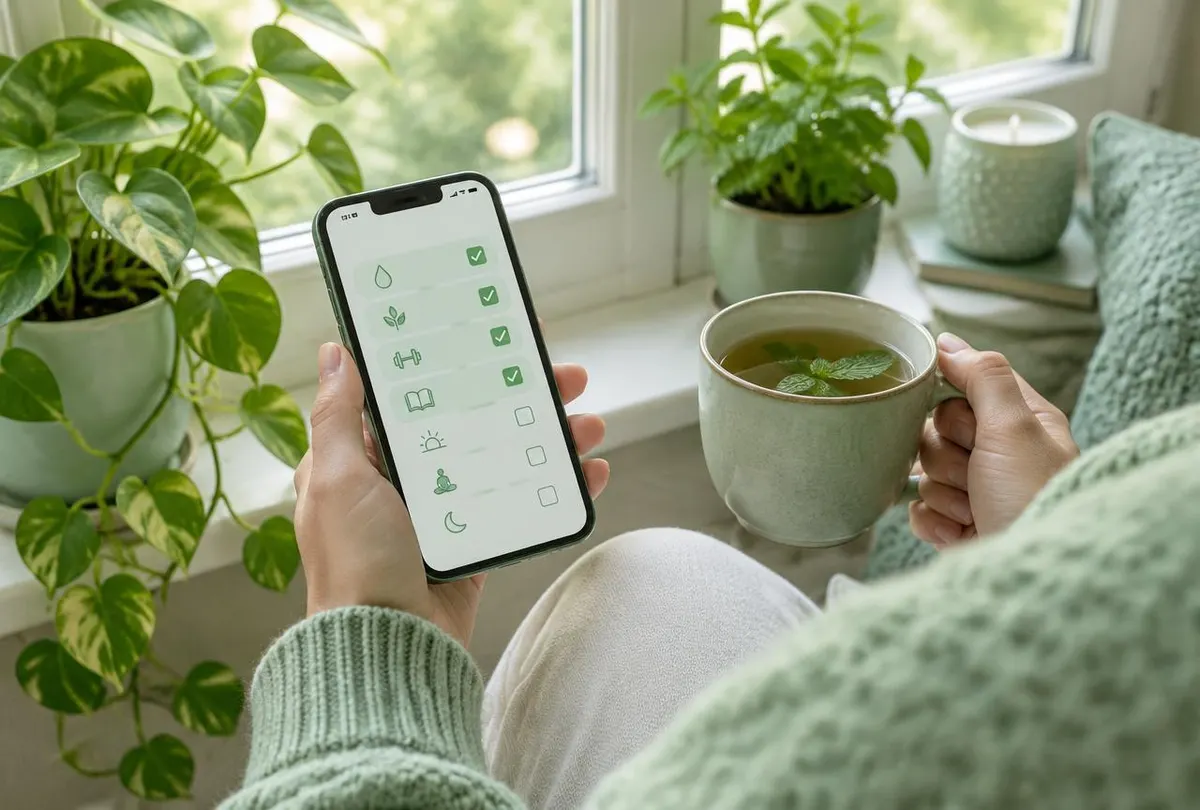
The best habit trackers feel almost weightless. They ask for a few seconds each day and give back a sense of progress. Achieving that simplicity takes deliberate design choices.
Minimise daily effort
Measure the number of taps from unlocking the phone to completing a check-in. Then reduce it. Widgets, notifications with actions and a main screen that shows today's habits all help.
Encourage, don't punish
Use language and visuals that celebrate consistency rather than highlight failure. A missed day can appear as a lighter cell instead of a red cross.
Use colour carefully
Graded greens or a single accent colour communicate intensity without overwhelming. Make sure meaning never relies on colour alone, for users with colour vision differences.
Start small in onboarding
Encourage new users to start with two or three habits. Suggest examples but let people write their own. Too many habits on day one is a common reason for early abandonment. See user onboarding principles.
Make reminders humane
Allow per-habit reminder times, quiet hours and easy snoozing. One well-timed nudge beats three generic ones.
Show progress over time
Weekly and monthly views reveal patterns that a single day cannot. Keep them visual and quick to read.
Planning an app in this area? We help founders and businesses shape and build mobile products like these. Discuss your app idea.