Mobile UI/UX Design
Good mobile design is mostly invisible: people simply understand what to do next. We design the structure, interactions and visual language that make that possible.
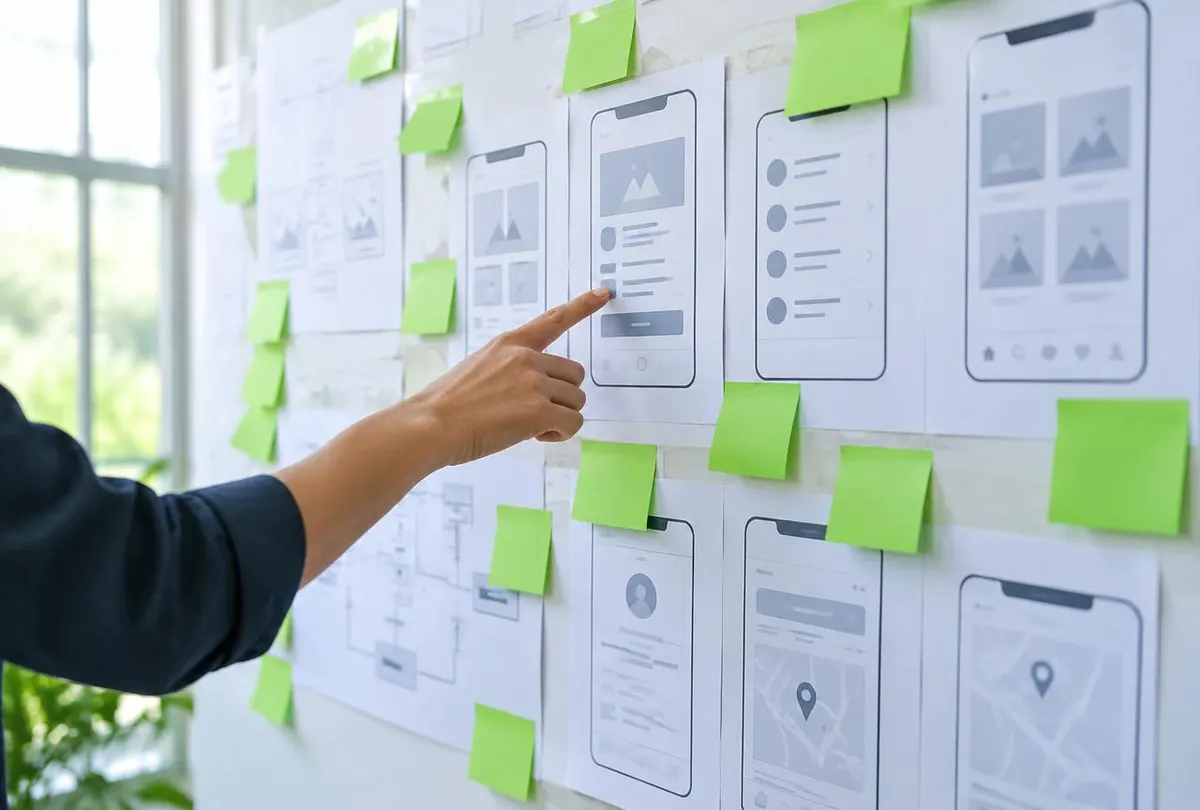
User-centered design
We begin with people, not pixels. Who is using the app, in what situation and with how much attention? A habit tracker opened for five seconds each morning needs a very different design from a planning tool used for focused weekly reviews.
Answering those questions early keeps design decisions grounded and prevents the product from growing in directions users do not need.
Interface structure, navigation and visual hierarchy
Structure comes before style. We define how content is organised, how people move between sections and which actions deserve the most prominence on each screen.
- Information architecture and screen inventory
- Tab, stack and modal navigation decisions
- Visual hierarchy that highlights the primary action
- Consistent spacing, type scale and colour roles
- Empty, loading and error states designed from the start
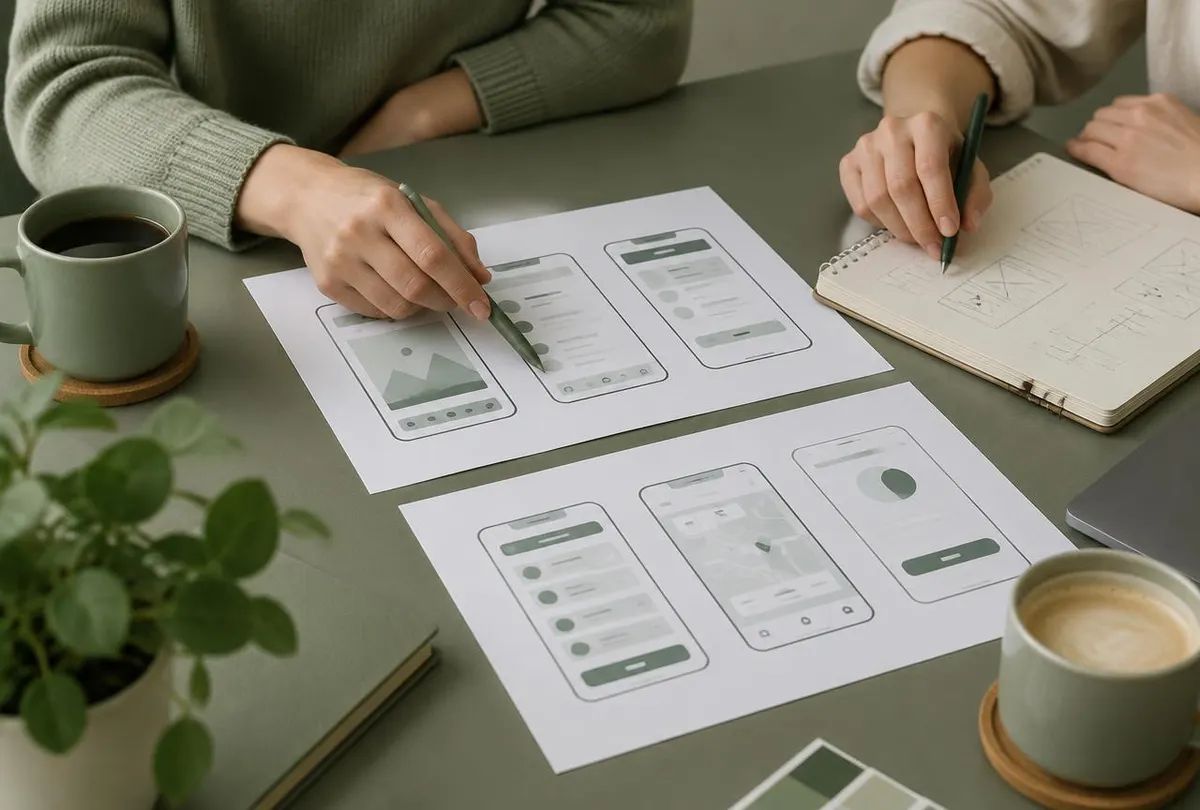
Onboarding and mobile interaction patterns
Onboarding should help people reach value quickly, not walk them through every feature. We design onboarding that asks only what is necessary, explains permissions in context and gets users to their first meaningful action.
Throughout the app, we use familiar mobile patterns — swipe actions, bottom sheets, pull-to-refresh, haptic feedback — where they genuinely help, and avoid them where they add confusion. Read our guide to user onboarding principles.
- Progressive onboarding and permission priming
- Gesture and feedback design
- Reachability and one-handed use
- Accessibility: contrast, touch targets, dynamic text
Responsive mobile experiences and our design process
Mobile screens vary widely. Our designs define how layouts adapt between compact and large phones and, where relevant, tablets. The design process typically moves through research and goals, flows and wireframes, visual design, interactive prototyping and a structured handoff to development with documented components and states.
Usability is checked throughout using prototypes, so problems are found while they are still inexpensive to fix.
How we approach mobile ui/ux design
A general outline of the stages involved. Timing and depth are agreed per project.
See the full process- 01
Discovery
Goals, audience and constraints.
- 02
Planning
Scope, flows and priorities.
- 03
Design
Wireframes, UI and prototypes.
- 04
Development
Iterative builds and reviews.
- 05
Testing
Real devices, edge cases, polish.
- 06
Launch prep
Store assets and release support.
Frequently asked questions
Can I hire you only for design?
Yes. UI/UX design can be engaged on its own. We provide design files, prototypes and documentation that your development team can work from.
Do you create prototypes?
Yes. Interactive prototypes let you and potential users try key flows before development begins.
Do you design for accessibility?
We follow accessibility principles such as sufficient contrast, adequate touch targets, support for larger text and clear labels for assistive technologies.
Can you redesign part of an existing app?
Yes. We can focus on a specific area such as onboarding, navigation or a core flow rather than redesigning the whole product.
Have an app idea worth shaping?
Tell us what you want to build, who it is for and where you are in the process. We will review your enquiry and reply with thoughtful questions and possible next steps.