Productivity Apps development
Productivity apps should give people back time and attention. We design and develop planners, task managers and focus tools that feel lighter than the problem they solve.
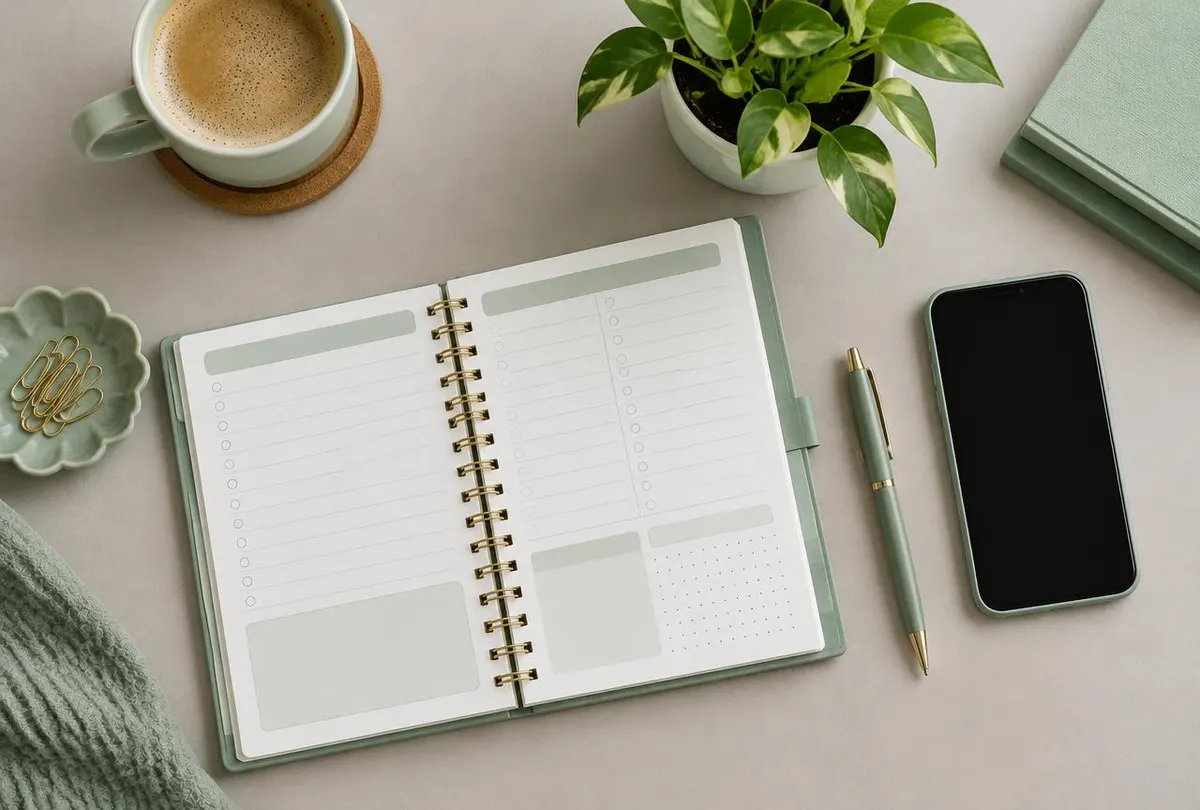
What a productivity app can be
Daily planners
A single view of today's tasks, events and priorities.
Task organizers
Lists, projects and tags with fast capture.
Focus timers
Work sessions, breaks and simple session history.
Personal productivity tools
Notes, checklists and personal workflows.
Scheduling applications
Booking, time blocking and calendar views.
Goal management apps
Long-term goals broken into actionable steps.
Routine organizers
Repeating morning, evening or weekly routines.
What people are really looking for
Most people do not need more features; they need less friction. They want to capture a thought before it disappears, see what matters today and close the app feeling more organised than when they opened it.
Common frustrations include cluttered interfaces, slow input, overwhelming lists and reminders that become noise. Good productivity design addresses each one directly.
Features worth considering
A starting list for planning. The right set for your product depends on your audience and first-release goals.
- Quick-add and natural input
- Today and upcoming views
- Projects, lists and tags
- Recurring tasks
- Time blocking
- Focus sessions
- Gentle reminders
- Search and filters
- Offline-friendly behaviour
- Weekly review screens
Designing the experience
We prioritise speed of the most frequent action, a calm visual hierarchy and sensible defaults. Empty states guide new users, and completed items fade gracefully so the remaining work stays in focus.
How we build it
We start by defining the core loop — capture, organise, complete — and design it until it feels effortless. Additional features are added only when they support that loop. Development proceeds iteratively with test builds.
Features listed are examples for planning purposes; the final scope is agreed for each project.
Who builds productivity apps
Examples of the kinds of businesses and founders this category suits.
- 01
Productivity startups
Founders launching a new planning or task product.
- 02
Small businesses
Teams wanting a simple internal tool for daily work.
- 03
Coaches and creators
Experts packaging a method into a mobile planner.
See this category as an interface study
Conceptual interface created to illustrate a potential mobile product experience.
Have an app idea worth shaping?
Tell us what you want to build, who it is for and where you are in the process. We will review your enquiry and reply with thoughtful questions and possible next steps.